Offer tracking6 min read
Why an offer may not appear immediately: a tracking guide
Understand common offer-tracking stages, what to keep after completing an offer, and how to submit a useful support request when a credit is missing.
An offer can be completed before its reward is visible in your CinchBucks history. That does not automatically mean it failed. Many offers involve a partner confirming that the required action was completed under its terms. This guide helps you check the right details and contact Support with useful information when needed.
What offer tracking means
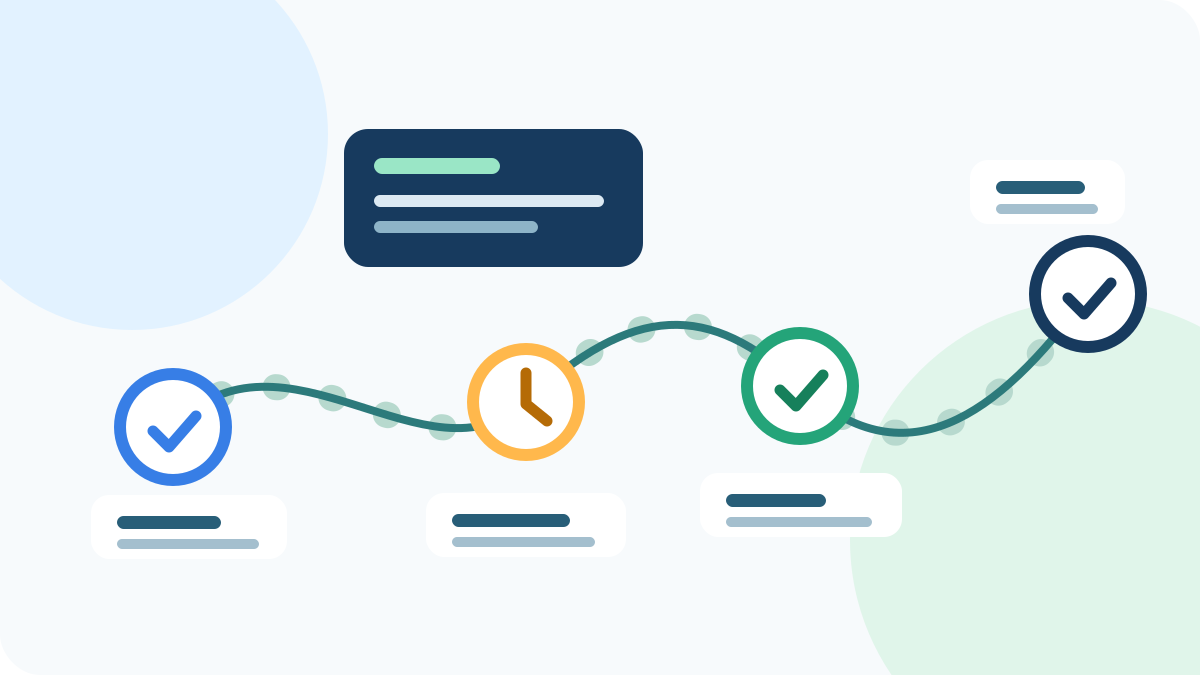
An offer usually starts with a click from CinchBucks to a partner or advertiser. The partner records the required action and, if it is eligible under its own rules, sends a confirmation for the credit. Because that confirmation happens outside the CinchBucks page, it can take time and may be affected by the partner’s terms.
A completed task, purchase, registration, or app action can still be in review. The status shown by the partner and the status in your CinchBucks history are the best places to look before treating it as missing.
Protect the tracking path before you start
Start from the offer link shown in CinchBucks, read the terms, and complete the activity in the same browser session whenever the partner requires it. Do not use ad blockers, private browsing, proxy or VPN services, or multiple accounts if the offer terms prohibit them.
Take a note of the offer name, the date and approximate time you started, the partner name, and any confirmation page or transaction reference. Do not share passwords, payment-card numbers, or government identification in a support ticket.
Check the activity before submitting a ticket
First, check the offer provider’s own status when it provides one. Then check your CinchBucks account history and any message associated with the activity. If the offer terms list a review period, allow that process to finish before opening multiple tickets for the same activity.
If the credit is still not visible after the stated review period, submit one clear request with the details you saved. Support can investigate the record available to CinchBucks and may need to work with the partner, but it cannot override a partner’s eligibility decision.
Write a support request that can be investigated
Use the offer name, partner, completion date, the email address on your CinchBucks account, and a concise description of the required action. Attach only non-sensitive proof that the partner permits you to share, such as an order reference with private details hidden.
A single, specific request is more useful than repeated submissions. Keep the ticket ID so you can add requested information in the same conversation.
Keep reading